
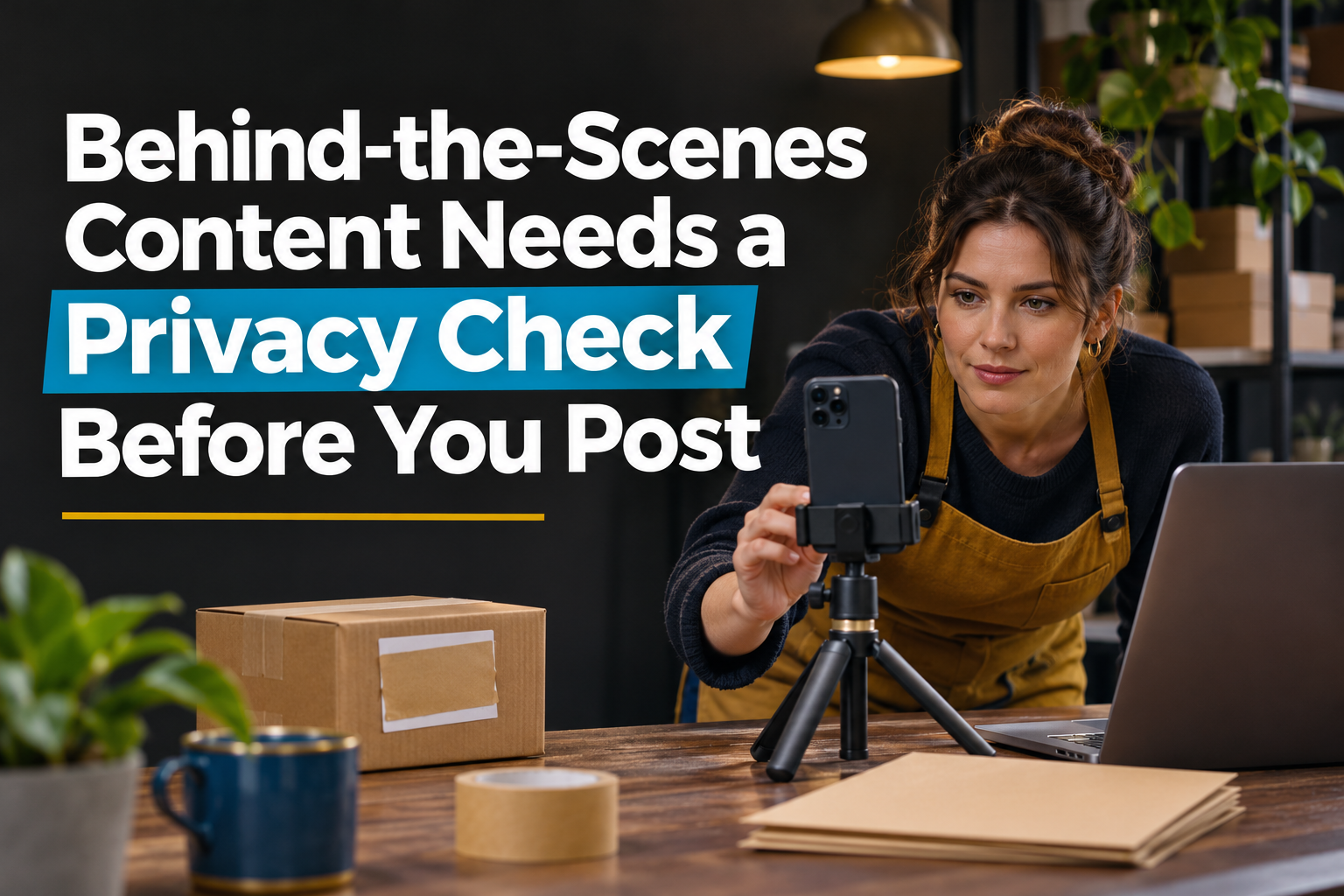
Behind-the-scenes content can make a business feel real, but the camera often records more than the team intended. A useful post should show the work without exposing private information, personal boundaries or details that could create a security problem.
Before publishing, inspect the full frame, listen to the audio and ask what someone outside the business could learn. If the answer includes customer information, passwords, security routines or a person who did not agree to appear, stop and revise the post.
Start With the People in the Frame
Employees, customers, visitors and vendors may appear in the background even when they are not the subject. Confirm who agreed to be photographed or recorded, and give employees a practical way to decline without turning the moment into a workplace problem.
Use extra care with minors. A parent, guardian, school, event organizer or employer may have its own permission process. If the team cannot confirm the appropriate approval, choose footage that does not identify the child.
Screens and Paperwork Reveal More Than You Notice
A computer monitor, shipping label, appointment calendar or clipboard can expose names, addresses, phone numbers, account details and internal notes. Reflections in glass and close-ups of a workspace can reveal the same information.
Do not rely on noticing everything while filming. Clear the area first, close unnecessary screens and use a clean demonstration record instead of real customer information. Review every frame before posting because a quick blur can miss another visible detail.
Do Not Publish a Map of Your Security
Footage can reveal alarm keypads, camera locations, door codes, keys, cash-handling routines, delivery schedules and rooms that are normally restricted. A post can also announce that a building is empty or that valuable equipment is unattended.
Show the work without documenting how someone could enter, avoid a camera or predict the team’s movements. Delay location-sensitive posts when publishing in real time would create unnecessary risk.
Protect the Work That Makes the Business Different
Authenticity does not require showing every process. Recipes, production methods, pricing sheets, vendor terms, prototypes and unfinished client work may be confidential or strategically important.
Decide in advance which parts of the process are safe to share. A close view of hands, tools or a finished step can communicate skill without giving away the full method or exposing another company’s information.
Use a Five-Question Pre-Publish Scan
- Did everyone who can be identified agree to appear?
- Can any customer, employee or account information be read?
- Does the post reveal a security routine, restricted area or live location?
- Does it expose confidential work, private documents or proprietary details?
- Would a second person notice a risk the creator missed?
Assign a reviewer when the footage includes customers, minors, sensitive work or a busy environment. Google’s Business Profile media policy, for example, states that businesses are responsible for making sure submitted photos and videos comply with applicable laws and regulations. A short review protects the people in the post while keeping behind-the-scenes content useful and believable.
Questions Business Owners Often Ask
Is blurring private information enough?
Sometimes, but prevention is safer. Remove or replace sensitive material before recording, then inspect the edited post for missed details and reflections.
Can an employee appear if the video was recorded at work?
Workplace presence does not automatically make participation a good idea. Set a clear internal policy and confirm permission before publishing identifiable footage.
Should a business avoid showing minors entirely?
Not necessarily, but the business should follow the appropriate permission process and avoid names, schedules, locations or other details that increase risk.
What if private information was posted by mistake?
Remove or restrict the content promptly, preserve the facts, notify the appropriate owner and follow the business’s privacy, security or legal response process.